Integrations
Sales

Monday
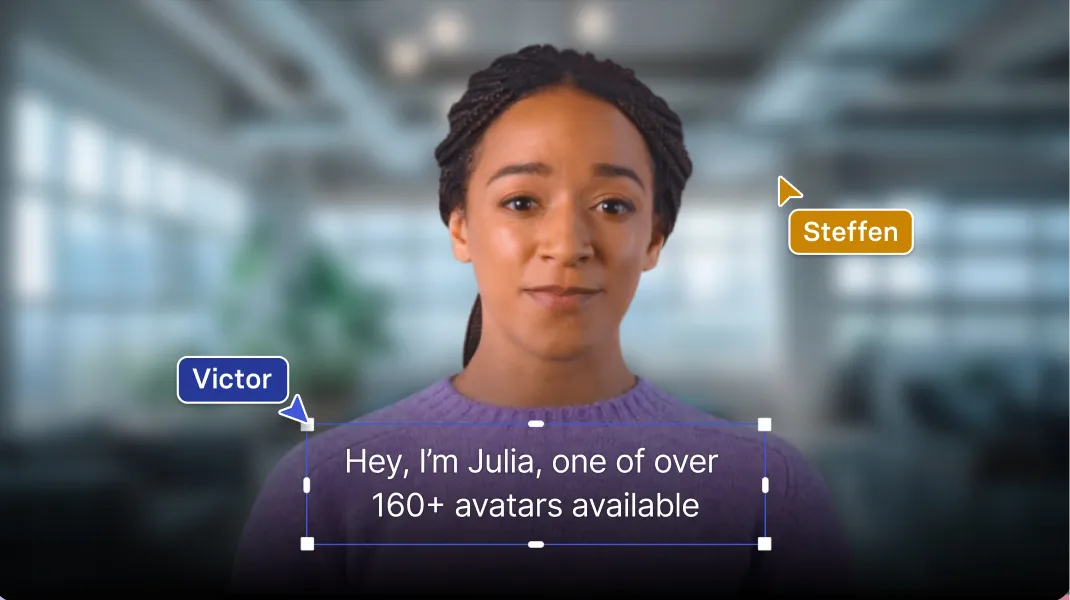
Make your Monday.com dashboard more visual and engaging with videos made in Esynthesia.



Why integrate Monday.com with Esynthesia?
Because you can use a more engaging format - video - to share your ideas and visualise your tasks.
In fact, video is 2.6 times more engaging than text. We made sure integrating our video into Monday.com is incredibly easy.
How do I embed a Esynthesia video in Monday.com?
- Start by creating and generating a video from text in Esynthesia
- Next, copy the link from the video sharing page in Esynthesia
- Now that you have your link, log in to Monday.com
- Find or create a new dashboard in your workspace
- Click on "Add widget" and select "Widgets center"
- Find the "Embed everything" widget and add it to your dashboard
- And finally, paste the video link into Monday's "Embed everything" widget. And that's it!
See our video tutorial above for more detailed instructions.
Explore similar integrations
See all integrations

PowerPoint
Create engaging videos from your PPT file in just 5 minutes with Esynthesia.
Learn more

Mindstamp
Add powerful interactivities to your Esynthesia videos, like quizzes, forms and more.
Learn more

Notion
Visualize your ideas in a video format and share them with the world in Notion. Our video sharing function makes it incredibly easy.
Learn more