Integrations
Customer Support

Intercom
Easily embed your Esynthesia videos in Intercom to create engaging and interactive customer experiences.



Why integrate Intercom with Esynthesia?
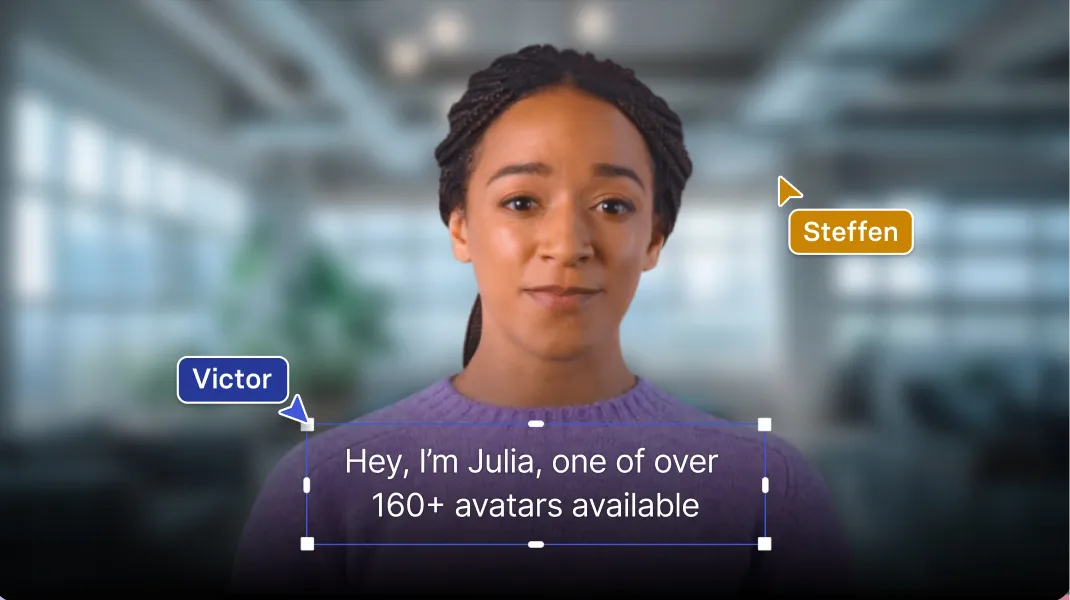
With Esynthesia, you can easily create personalized video messages featuring human-like AI avatars and embed them into your Intercom articles in just 5 minutes.
How to embed a Esynthesia video in Intercom.
- Copy your Esynthesia Share Page URL
- Head over to Intercom
- When editing your article or conversation, click on the "+" option and select "Embed Video."
- Paste your Esynthesia video URL into the box provided
And that's it! Your Esynthesia video will now be embedded in your Intercom conversation.
Explore similar integrations
See all integrations

HubSpot Knowledge Base
Embed Esynthesia videos into HubSpot and bring your Knowledge Base to life.
Learn more

Blanc
Integrate Esynthesia videos with Blanc and decrease video translation costs.
Learn more